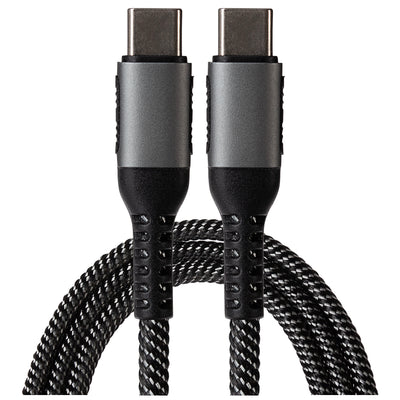
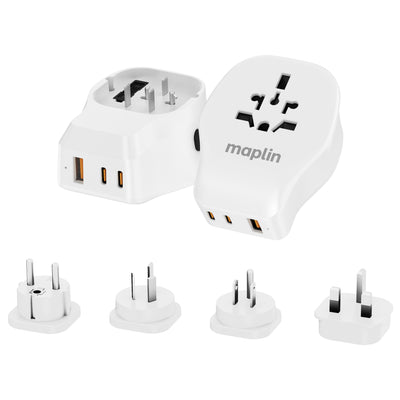
USB-C Cables & Adapters

USB-C Cables & Adapters at Maplin

How to choose the right USB-C Cable

Not all USB-C cables are the same, even though the connectors look identical. Before you buy, it's worth checking three things: charging power, data speed, and what you're connecting at the other end.

Charging power. Every USB-C cable will charge your phone, but larger devices need more wattage. For laptops, choose a cable rated for USB Power Delivery (PD) at 60W or above — and if you're powering a high-performance laptop, look for a 100W or 240W rated cable to charge at full speed. Using an underpowered cable won't damage your device, but it will charge noticeably slower.

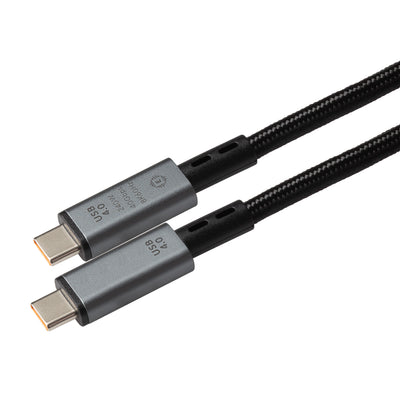
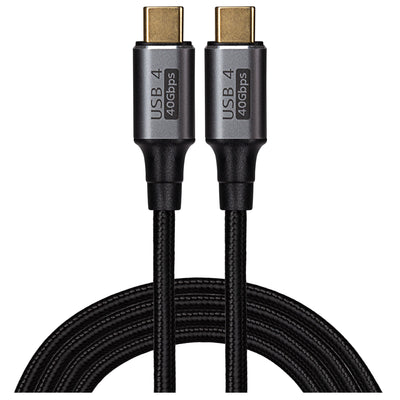
Data transfer speed. USB-C cables carry data at very different rates. Basic USB 2.0 cables (the most common and affordable) transfer at 480Mbps, which is fine for charging and syncing. If you're moving large files, backing up photos or connecting an external SSD, step up to USB 3.2 (5–20Gbps) or USB4 (up to 40Gbps). The speed is printed in the product specs on every cable we sell.

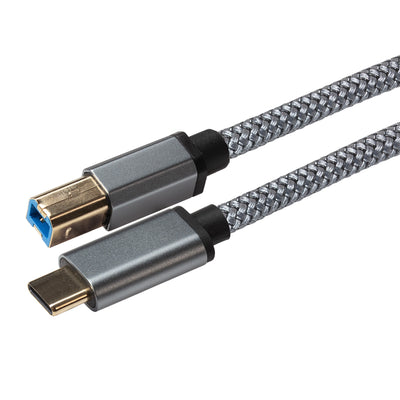
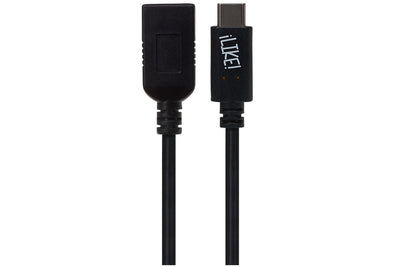
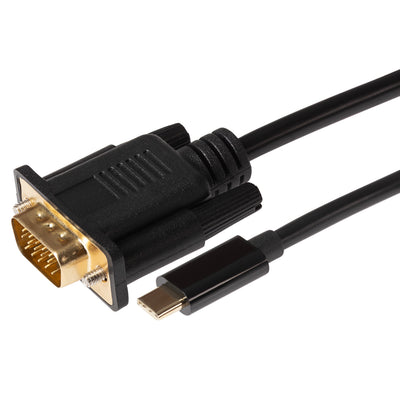
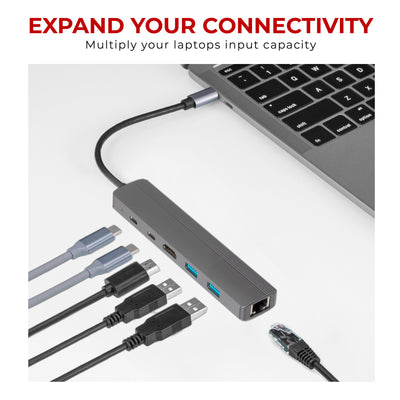
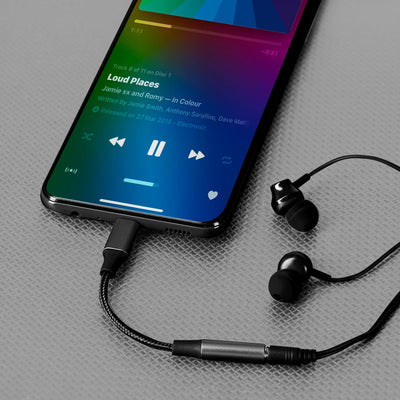
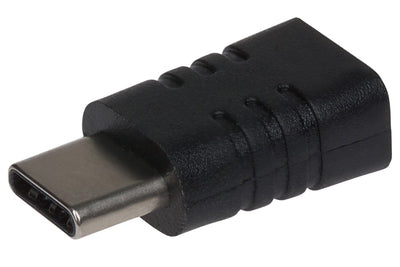
Connector types. A USB-C to USB-C cable is the modern standard, connecting phones, tablets, laptops and chargers. If your charger, car socket or laptop still uses the older rectangular port, you'll need a USB-A to USB-C cable instead. And for connecting USB-C devices to older accessories, a USB-C adapter — such as USB-C to USB-A, HDMI or 3.5mm — bridges the gap without replacing your existing kit.

Length and build. Shorter cables (under 1m) are ideal for desks, power banks and travel; 2m–3m cables suit sofa charging and wall sockets behind furniture. Braided cables last longer if you coil and uncoil them daily.

Expanded Image
Filter and sort

Filter and sort

70 products

70 products

70 products

The modern choice and current industry standard. Not only can it charge devices and transfer data at much faster speeds than the older USB-A design, USB C connectors can also transfer a video feed to monitors and TVs. 

You’ll find USB-C ports on most new devices like smartphones, gaming peripherals and laptops. Plus, its reversible, smaller oblong design means you never have to worry about plugging it in the wrong way up.

Sale
Sale
£30.47
£24.38
 per 
Sold out
£26.97
£21.58
 per 
Sold out
Sold out
£38.97
£31.18
 per 

FAQ

What is a USB-C cable?

A USB type C cable is a type of universal cable that supports data transfer, video output, and power delivery using a reversible, symmetrical connector. It is used for connecting various devices, such as smartphones, tablets, laptops, and peripherals. USB-C cables can support different protocols, such as USB 2.0, USB 3.x, and Thunderbolt, offering varying speeds and functionalities based on the specifications of the cable and the connected devices.

You can learn more in our blog post: Demystifying USB-C Cables

Can USB-C cables support fast charging for my devices?

Yes, certain USB-C cables are designed to support fast charging protocols, but compatibility depends on both the cable and the device. Check the cable's specifications to ensure it supports the required fast charging standard.

What are the most durable USB-C cables?

Look for cables with reinforced construction, such as braided nylon or kevlar coating, and check for positive user reviews or certifications that indicate a focus on durability.

What are the different types of USB-C cables available?

USB-C cables come in various types, including standard charging cables, fast charging cables, and data transfer cables. They also differ in terms of length, durability, and compatibility with specific devices or charging standards.

Are all USB-C cables capable of data transfer?

While most USB-C cables support data transfer, the speed can vary. Some cables are optimized for charging only, whereas others support high-speed data transfer protocols like USB 3.1 or Thunderbolt 3.

Can USB-C adapters affect charging speed and data transfer rates?

Yes, the quality and specifications of a USB-C adapter can influence both charging speed and data transfer rates. However, high-quality adapters that support USB 3.1 or higher standards can provide fast data transfer rates and support quick charging. For the best results, always check the adapter's specifications to ensure compatibility with your device's charging and data transfer capabilities.