


Free UK delivery when you spend £35 or more
Computing & Mobile Accessories
Keep your tech setup running smoothly with Maplin's full range of computing and mobile accessories. From everyday essentials to home office upgrades, we stock everything you need to get the most out of your laptop, PC, phone, and tablet — all with free UK delivery on orders over £35.

PC & Laptop Accessories
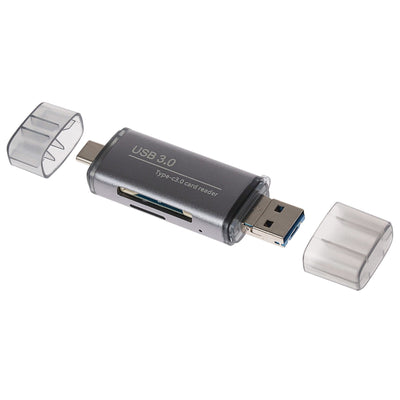
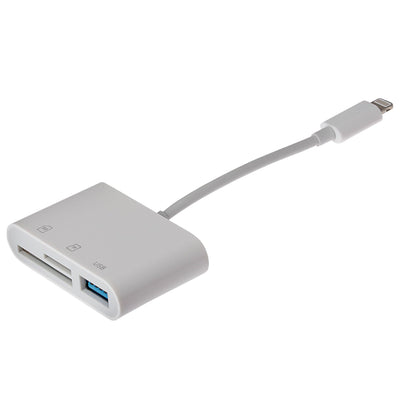
Build out your workstation with our range of PC and laptop accessories. Improve video calls and streaming with a webcam, or upgrade your audio setup with a headset. For a more comfortable and productive workspace, browse our laptop stands and monitor mounts. We also stock reliable mice, docking stations for multi-screen setups, plus card readers and flash drives for fast, portable storage. Or upgrade your office space with a new Computer Desk, enhanced with our range of Desk Accessories.
Phone & Tablet Accessories
Get more from your mobile devices with our phone and tablet accessories. Shop the latest mobile phones, protect and personalise your device with our range of smartphone accessories, or stay safe on the road with an in-car phone and tablet holder. For tablet and 2-in-1 users, our styluses make note-taking and digital sketching effortless.
Chargers
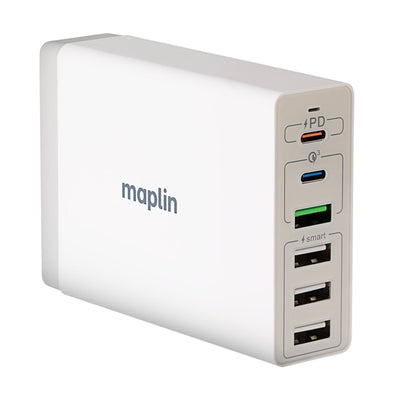
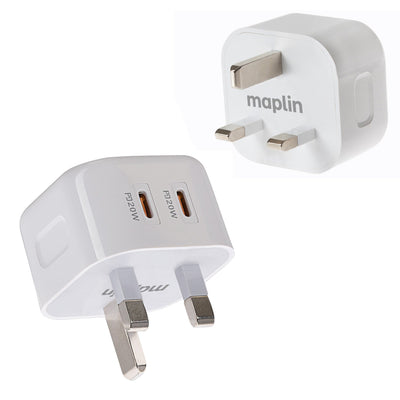
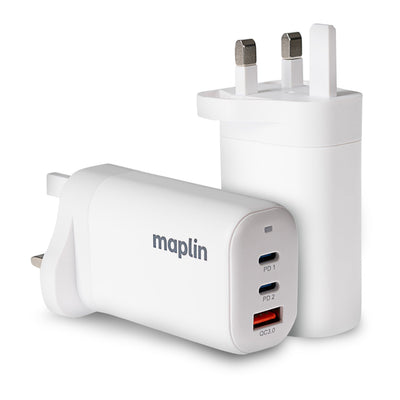
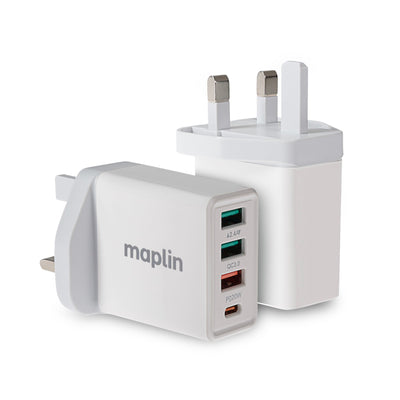
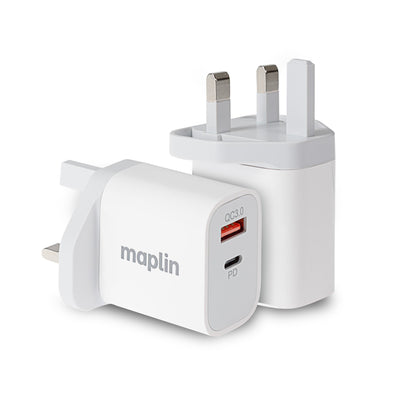
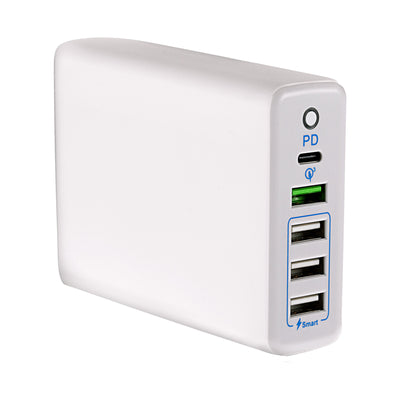
From fast-charging USB wall plugs to wireless charging pads and in-car solutions, our chargers cover every scenario. Browse USB chargers for home and office use, wireless chargers for compatible smartphones and earbuds, or in-car chargers to stay powered during your commute.
Networking
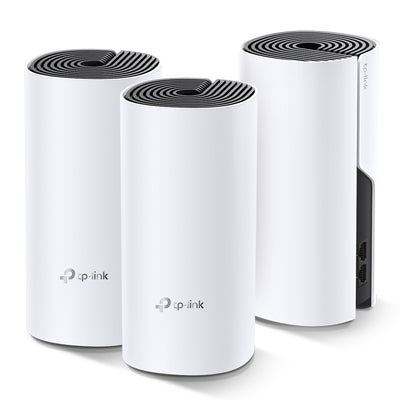
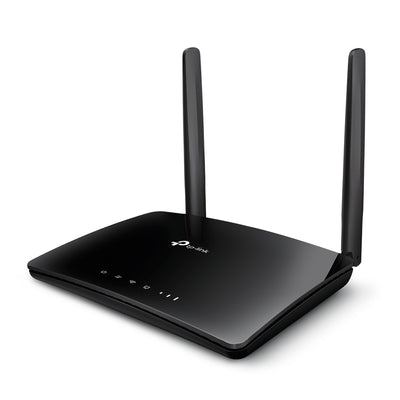
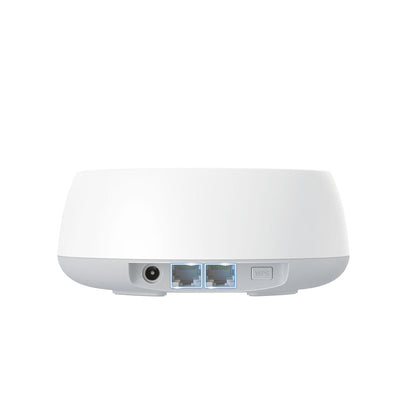
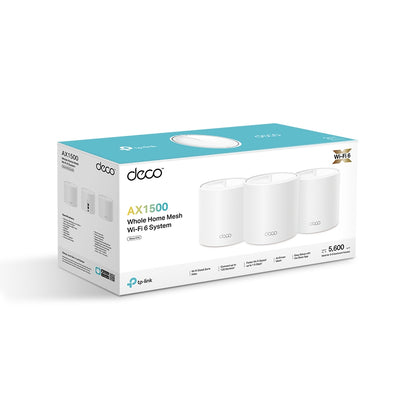
Strengthen your home or office connection with our networking range. Choose from routers and switches to manage your network, range extenders to eliminate Wi-Fi dead spots, or powerline adapters for a stable wired connection through your home's existing electrics. On the move, our mobile hotspots and wireless adapters keep you connected wherever you are.





Want to learn more?

Everything You Need to Know About Memory: A Guide to Flash Storage and SanDisk Products at Maplin
We'll explain what flash memory actually is, break down the different types available, and walk you through the full SanDisk range stocked by Maplin so you can find exactly the right product for your needs.

How to Set Up a Home Network with Ethernet
Whether you're working from home, gaming online, or streaming in 4K, a wired Ethernet connection delivers faster speeds, lower latency, and far greater reliability than Wi-Fi alone.

Mobile Hotspots vs. USB Wireless Adapters: Which One Do You Need?
In this post, we’ll break down everything you need to know about mobile hotspots and USB wireless adapters, their use cases, pros and cons, and how to choose the right device for your lifestyle.

Network Switches: Layer 2, Layer 3, Gigabit - What's The Difference?
Layer 2, Layer 3, and Gigabit Ethernet switches can have different use-cases. In this article, we explain the differences to help you decide which is most suitable for you.

Standing Desk Buying Guide: How to Choose the Right Desk for Your Office
Not sure which standing desk to buy? Our guide covers sit-stand desks, desk converters and what to look for, with recommended models for every budget.

Flash Drive vs Memory Card: What's the Difference and When to Use Each?
Both flash drives and memory cards use the same underlying technology — flash memory — to store your files without needing a power supply to retain data. If you've ever stood in front of a storage display wondering which one you actually need, this guide will clear it up.

Why Won’t My USB-C Charger Fast Charge?
USB-C fast charging should make life easier. So when your phone, tablet, or laptop charges painfully slowly, it’s frustrating and confusing. If you’re wondering “why won’t my USB-C charger fast charge?”, the answer is usually not a fault — it’s a compatibility issue somewhere in the charging chain.

Why Does My Phone Get Hot When Charging?
Exploring the common causes, technical factors, and practical solutions to help you manage and prevent overheating during charging.

PD Charging vs QC Charging: What Is The Difference?
In this article, we will explain the differences between PD (Power Delivery) charging and QC (Quick Charge) charging, as well as potential use cases.
Popular Products
New Products



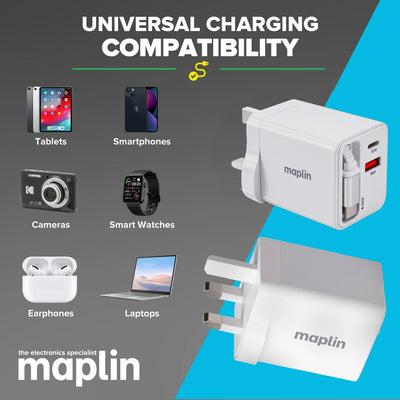

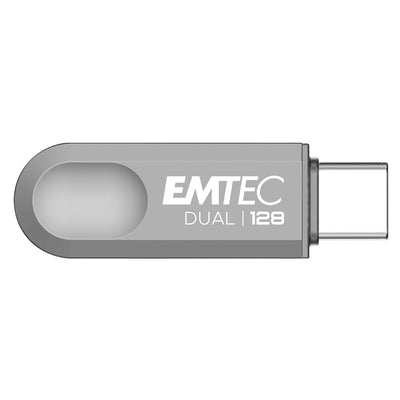

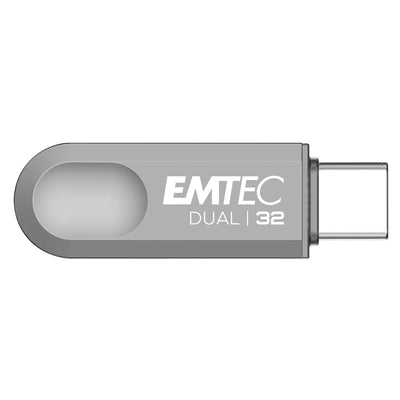


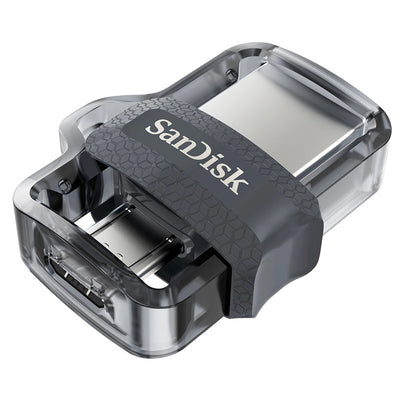
Shop by Brand




Frequently Asked Questions
There are a couple of different things to consider when choosing a charger:
Charging speed
The higher the power of the charger, the quicker it can restore energy to your device. You should also keep an eye out for models that feature "Quick Charge".
Number of ports
Want to charge more than one device at a time? Choosing a model with multiple ports means you can restore power to multiple devices at the same time.
Check the charger's compatibility with your device, the charging speed (measured in amperage and wattage), the number of charging ports, and any additional features like quick charge technology or multi-device support.
Yes. USB charging is typically "smart" — the charger provides only as much power as the device requests. For example, using a 65W charger on a phone that only draws 18W is safe. The device limits how much it pulls.
MagSafe is Apple's wireless charging technology that provides faster and more efficient charging by using magnets to align the charger with compatible iPhones for optimal performance.
Networking powerlines work by transmitting data through your electrical circuits. You plug one adapter into a power outlet near your router and connect it via Ethernet cable, then plug the second adapter into a different outlet to connect to a device like a computer, smart TV, or gaming console.
- Choosing a selection results in a full page refresh.