How to choose the right USB-C Cable
Not all USB-C cables are the same, even though the connectors look identical. Before you buy, it's worth checking three things: charging power, data speed, and what you're connecting at the other end.
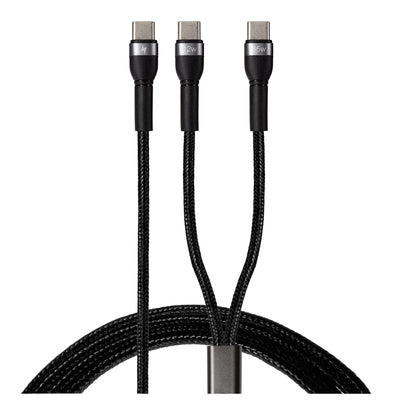
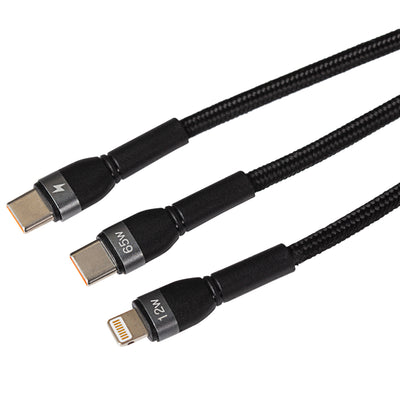
Charging power. Every USB-C cable will charge your phone, but larger devices need more wattage. For laptops, choose a cable rated for USB Power Delivery (PD) at 60W or above — and if you're powering a high-performance laptop, look for a 100W or 240W rated cable to charge at full speed. Using an underpowered cable won't damage your device, but it will charge noticeably slower.
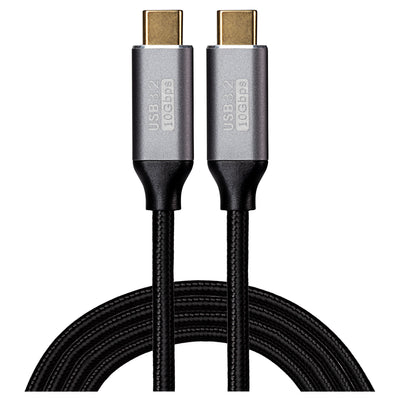
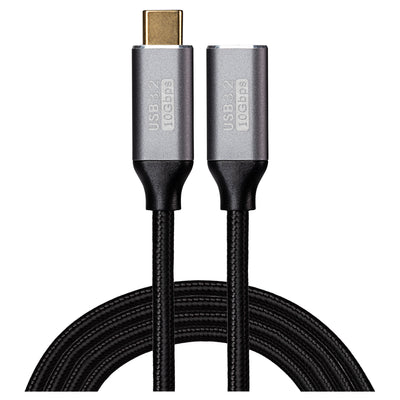
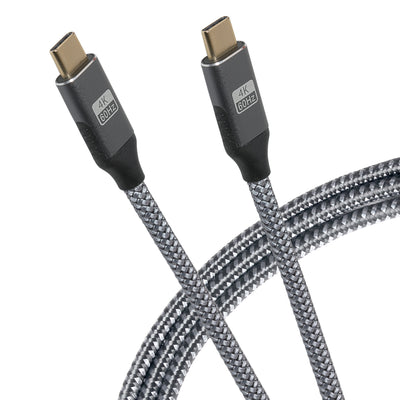
Data transfer speed. USB-C cables carry data at very different rates. Basic USB 2.0 cables (the most common and affordable) transfer at 480Mbps, which is fine for charging and syncing. If you're moving large files, backing up photos or connecting an external SSD, step up to USB 3.2 (5–20Gbps) or USB4 (up to 40Gbps). The speed is printed in the product specs on every cable we sell.
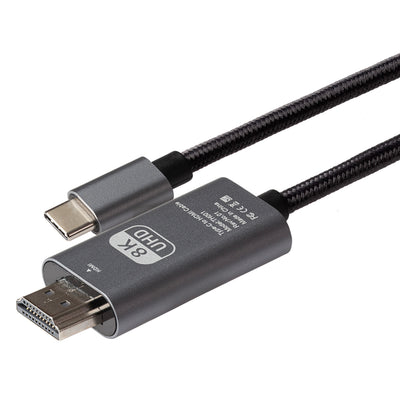
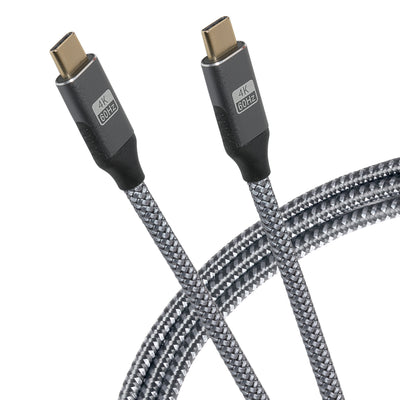
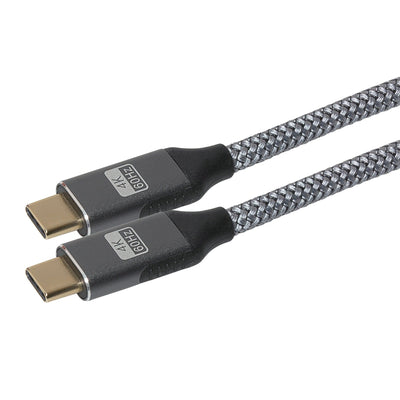
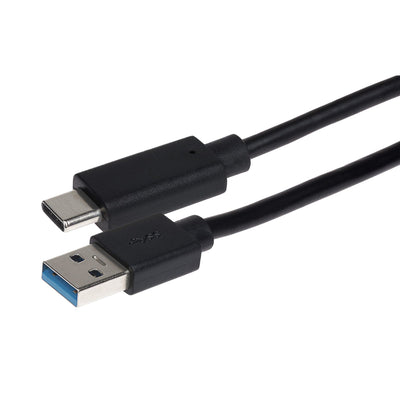
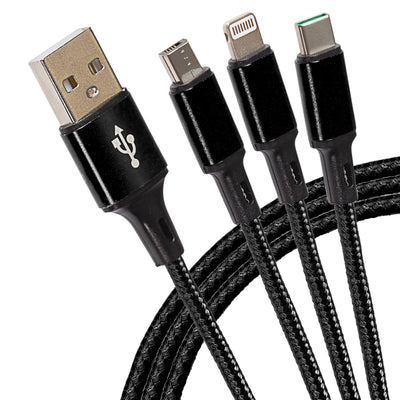
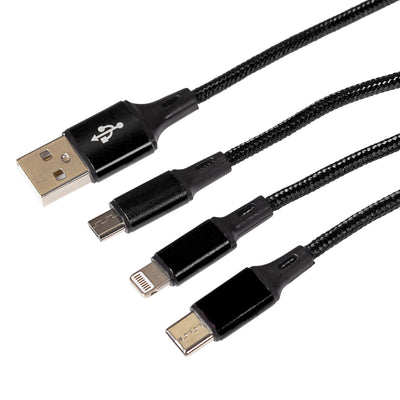
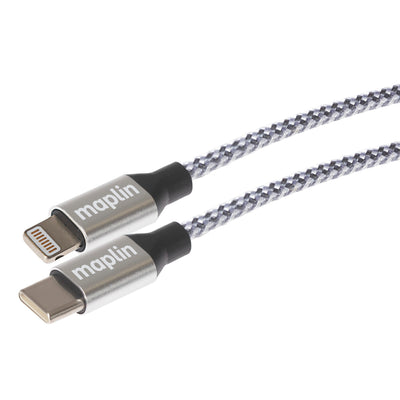
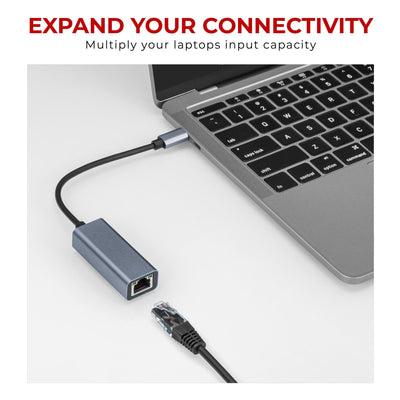
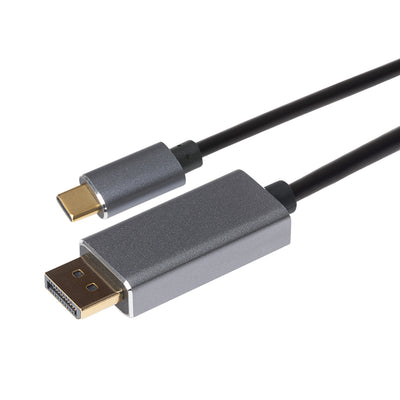
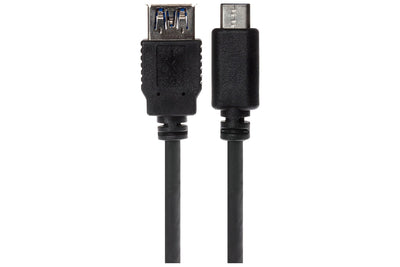
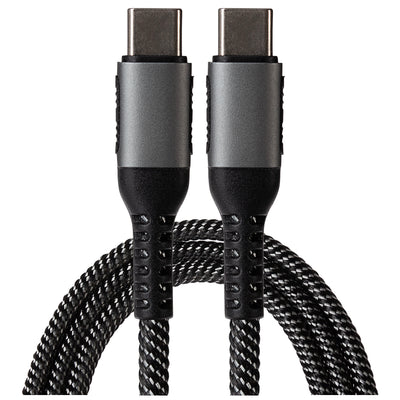
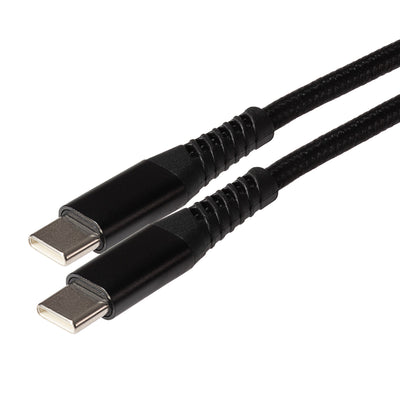
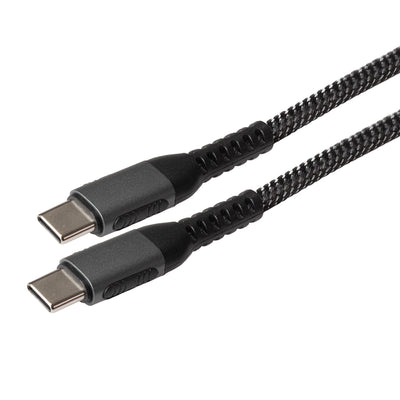
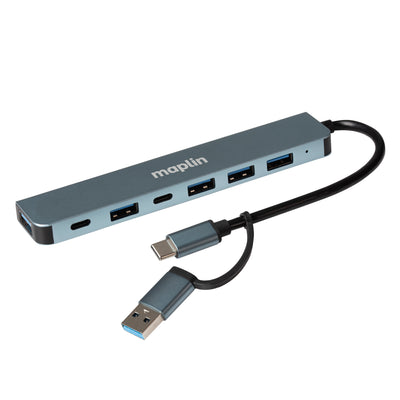
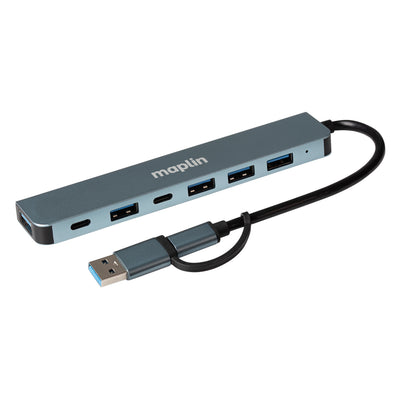
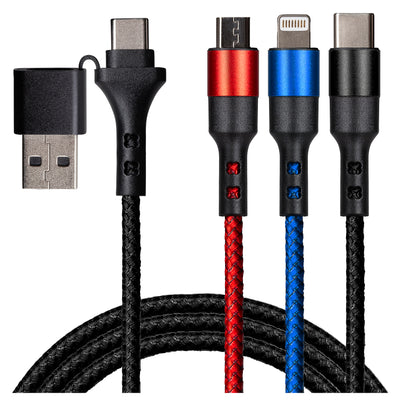
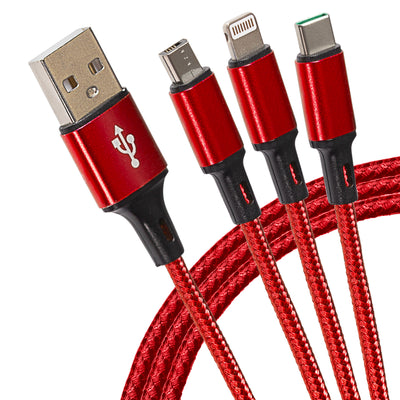
Connector types. A USB-C to USB-C cable is the modern standard, connecting phones, tablets, laptops and chargers. If your charger, car socket or laptop still uses the older rectangular port, you'll need a USB-A to USB-C cable instead. And for connecting USB-C devices to older accessories, a USB-C adapter — such as USB-C to USB-A, HDMI or 3.5mm — bridges the gap without replacing your existing kit.
Length and build. Shorter cables (under 1m) are ideal for desks, power banks and travel; 2m–3m cables suit sofa charging and wall sockets behind furniture. Braided cables last longer if you coil and uncoil them daily.