


Free UK delivery when you spend £35 or more
Computing & Mobile Accessories

Stay connected and powered up with Maplin's huge range of PC & Mobile Accessories.
If you need PC and Laptop Accessories, we've got you covered. Check out our range of webcams, monitor mounts, laptop stands and more to create your ideal setup.
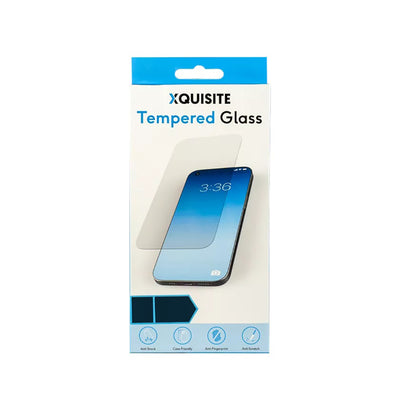
And if you need Phone and Tablet Accessories, we've got everything from in-car phone holders to screen protectors and styluses.
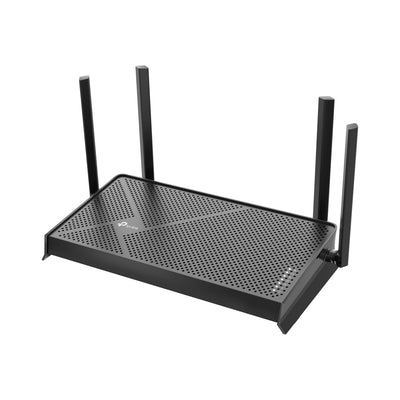
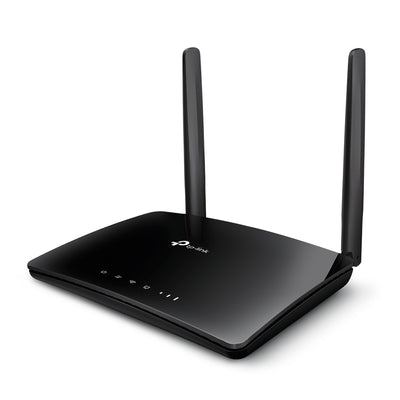
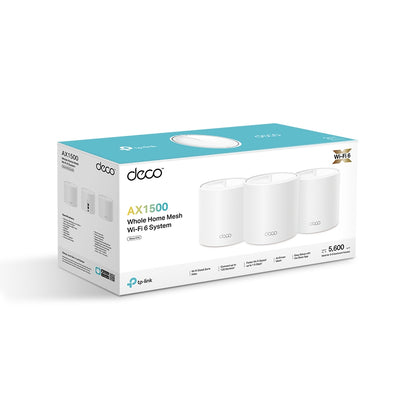
Need to stay connected? Whether you need Wi-Fi connectivity or using mobile 4G or 5G, you'll find plenty of solutions in our Networking collection.
We also have a range of Furniture and Accessories to help you create your ideal working from home setup.





Want to learn more?

Everything You Need to Know About Memory: A Guide to Flash Storage and SanDisk Products at Maplin
We'll explain what flash memory actually is, break down the different types available, and walk you through the full SanDisk range stocked by Maplin so you can find exactly the right product for your needs.

How to Set Up a Home Network with Ethernet
Whether you're working from home, gaming online, or streaming in 4K, a wired Ethernet connection delivers faster speeds, lower latency, and far greater reliability than Wi-Fi alone.

Mobile Hotspots vs. USB Wireless Adapters: Which One Do You Need?
In this post, we’ll break down everything you need to know about mobile hotspots and USB wireless adapters, their use cases, pros and cons, and how to choose the right device for your lifestyle.

Network Switches: Layer 2, Layer 3, Gigabit - What's The Difference?
Layer 2, Layer 3, and Gigabit Ethernet switches can have different use-cases. In this article, we explain the differences to help you decide which is most suitable for you.

Standing Desk Buying Guide: How to Choose the Right Desk for Your Office
Not sure which standing desk to buy? Our guide covers sit-stand desks, desk converters and what to look for, with recommended models for every budget.

Flash Drive vs Memory Card: What's the Difference and When to Use Each?
Both flash drives and memory cards use the same underlying technology — flash memory — to store your files without needing a power supply to retain data. If you've ever stood in front of a storage display wondering which one you actually need, this guide will clear it up.
Popular Products
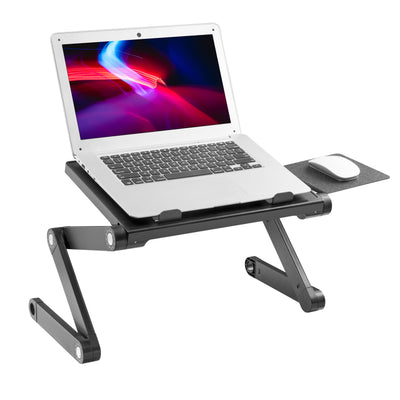
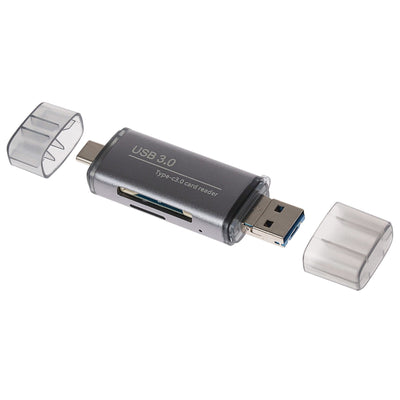
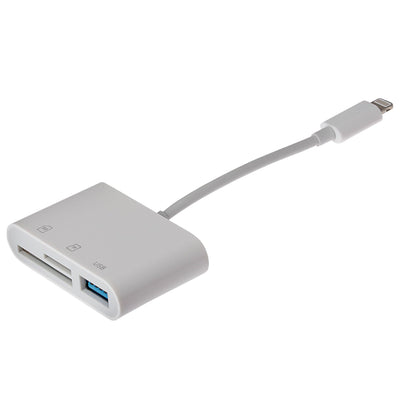
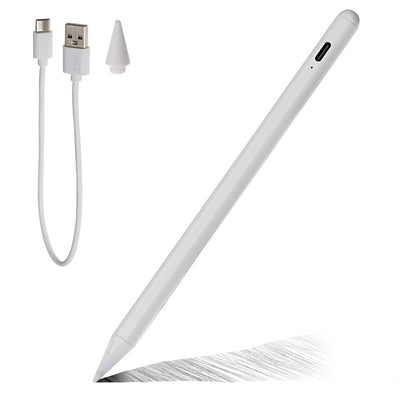
New Products






Shop by Brand




Frequently Asked Questions
There are a couple of different things to consider when choosing a charger:
Charging speed
The higher the power of the charger, the quicker it can restore energy to your device. You should also keep an eye out for models that feature "Quick Charge".
Number of ports
Want to charge more than one device at a time? Choosing a model with multiple ports means you can restore power to multiple devices at the same time.
Check the charger's compatibility with your device, the charging speed (measured in amperage and wattage), the number of charging ports, and any additional features like quick charge technology or multi-device support.
Yes. USB charging is typically "smart" — the charger provides only as much power as the device requests. For example, using a 65W charger on a phone that only draws 18W is safe. The device limits how much it pulls.
MagSafe is Apple's wireless charging technology that provides faster and more efficient charging by using magnets to align the charger with compatible iPhones for optimal performance.
A smartwatch offers features like time display, fitness tracking, heart rate monitoring, GPS navigation, smartphone notifications, music control, and sometimes mobile payments or call functionality.
An item tracker is a small device that helps you locate personal belongings using Bluetooth or GPS technology, usually controlled through a smartphone app.
You can attach them to keys, wallets, bags, backpacks, luggage, remotes, bicycles, or even pet collars—anything you want to keep track of.
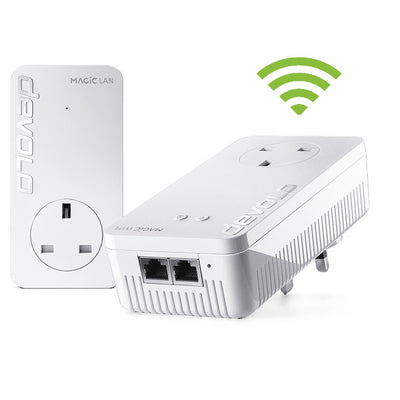
Networking powerlines work by transmitting data through your electrical circuits. You plug one adapter into a power outlet near your router and connect it via Ethernet cable, then plug the second adapter into a different outlet to connect to a device like a computer, smart TV, or gaming console.
- Choosing a selection results in a full page refresh.