Maplin HDMI to Micro HDMI 8K Ultra HD Coiled Cable - Black, 1m


£14.99
£12.49 excl. VAT


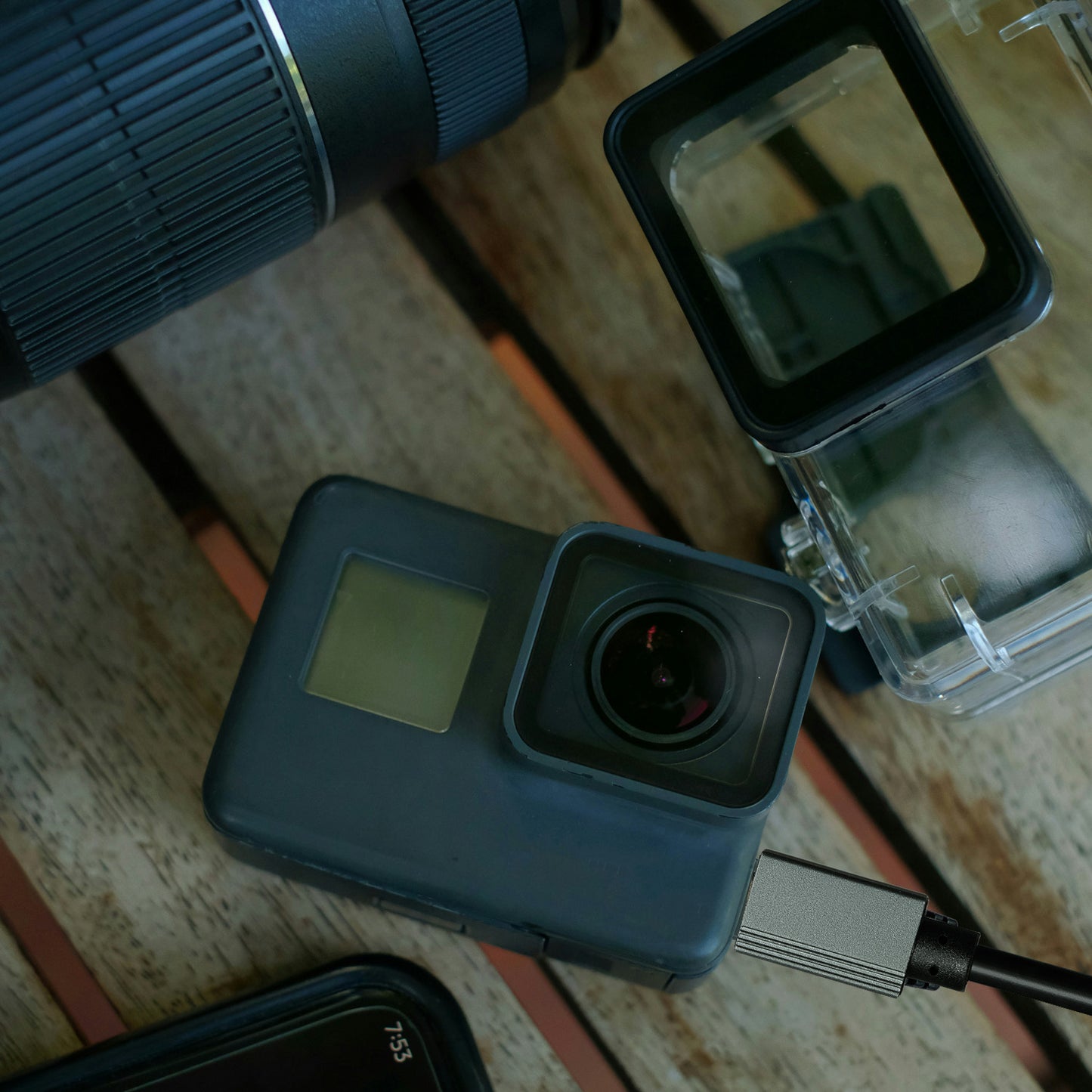
Maplin HDMI to Micro HDMI 8K Ultra HD Coiled Cable - Black, 1m
About this product
Connect your camera, tablet or other Micro HDMI-enabled device to a TV, monitor or projector with the Maplin HDMI to Micro HDMI Coiled Cable. Supporting stunning 8K Ultra HD at 60Hz, this high-performance cable delivers exceptional video clarity and immersive audio for photography, videography, gaming and presentations. The coiled design extends up to 1 metre while minimising cable clutter, making it ideal for use with cameras, gimbals, monitors and portable setups.
Key Features:
- HDMI (Type A) to Micro HDMI (Type D) cable for connecting cameras, tablets and other Micro HDMI devices to HDMI displays.
- Supports resolutions up to 8K @ 60Hz for ultra-sharp video quality and smooth playback on compatible devices.
- Ultra High Speed HDMI performance with support for high bandwidth, HDR and multi-channel digital audio.
- Coiled cable design extends up to 1 metre while reducing tangles and excess cable clutter.
- Perfect for DSLR cameras, mirrorless cameras, action cameras, tablets and portable monitors with a Micro HDMI output.
- Gold-plated connectors provide a reliable connection and help maintain signal integrity.
- Durable, flexible construction designed for frequent use in photography, videography and travel.
- Ideal for content creators, photographers, filmmakers, gamers and business presentations.
The Maplin HDMI to Micro HDMI Coiled Cable is the perfect solution for transmitting high-resolution video and crystal-clear audio from your Micro HDMI device to a larger display, delivering professional-quality performance in a compact, flexible design.
Questions & Answers
Reviews
Related blog posts
Why Won't My Laptop Connect to Wi-Fi? 9 Fixes That Work
What's the Difference Between Cat5e, Cat6 and Cat7 Ethernet Cables?
Best USB-C Hubs UK 2026: Top Picks for Every Budget
How to Set Up a Home Network with Ethernet
How to Connect Your Laptop to a TV or Monitor: A Complete Guide

Standard Delivery
Delivery time: 2-4 working days
Small Items (most products): £3.49 / FREE over £35
Large Items (e.g. desks, chairs): £9.99
Extra Large Items (larger or heavier goods): £24.99

Express Delivery
Delivery time: 1-3 working days (priority handling)
Small Items (most products): £6.99
Large Items (e.g. desks, chairs): £14.99
Extra Large Items (larger or heavier goods): £44.99

Instant Delivery

Deliveroo
This product is stocked by Deliveroo HOP for same-day instant delivery, straight to your door!
Find your nearest Deliveroo HOP location.

GoPuff
Need this item ASAP? Order with GoPuff for same-day instant delivery. .
Find your nearest GoPuff location to get started.

Quiver
If you're in London and need this item in a hurry, look for the Quiver badge on the product page and enter your postcode. You can get your delivery in less than an hour!
- Choosing a selection results in a full page refresh.